How to: Reorder Device and Virtuals
It is now possible to set the order of devices and viruals in the device tab to make navigating your devices easier, with a simple drag and drop operation.
Enable Sort Devices by user
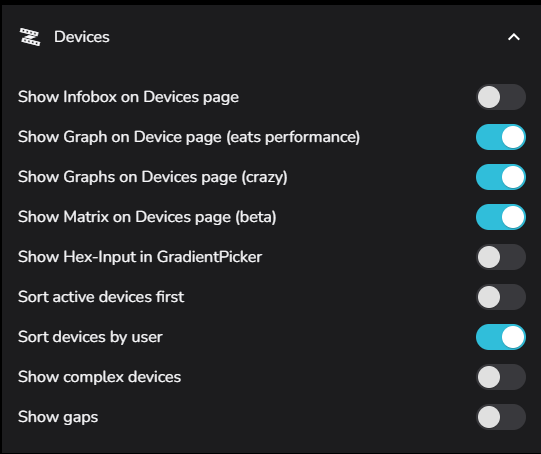
First the feature needs to be enabled to override other sort options
This is found under Settings / Devices / Sort Devices by User
Open the Change Order drag and drop bar
Once this has been enabled, when in the devices view, we will have a new option under the 3 dot menu in the top right
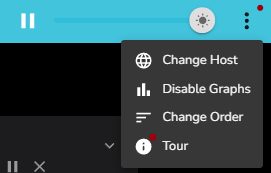
Selecting Change Order will bump in a drag and drop bar with all devices and virtuals
The Drag and Drop bar
All devices and viruals will be in the current display order, an example is below.
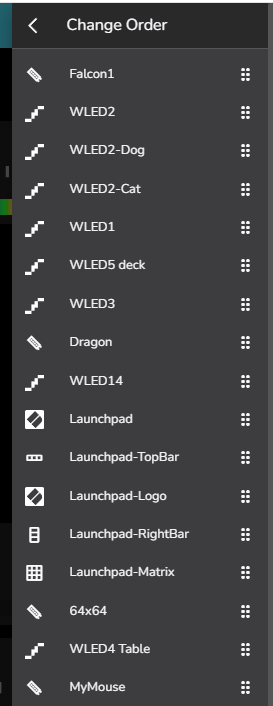
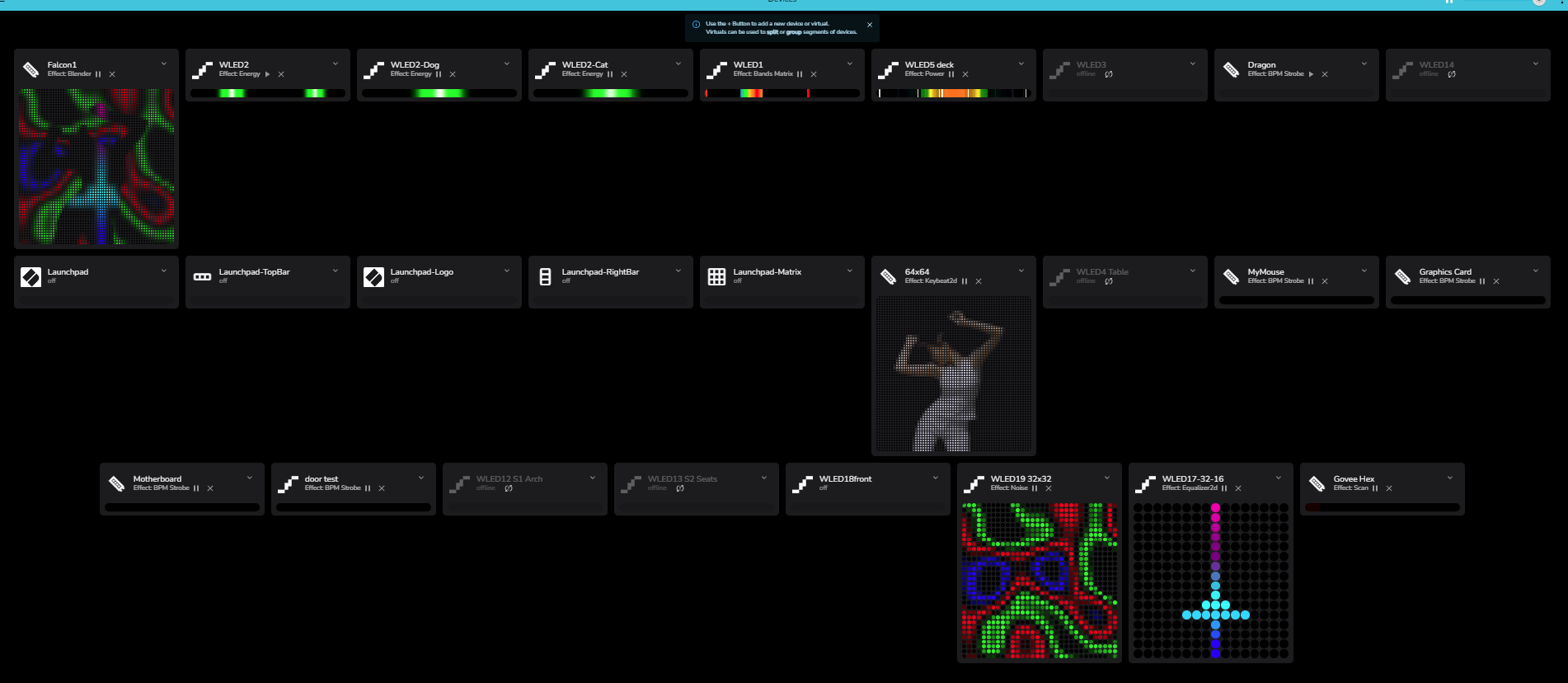
We can see in this example that our many devives are in a poor random order
Reordering to preference
So lets start sorting that out
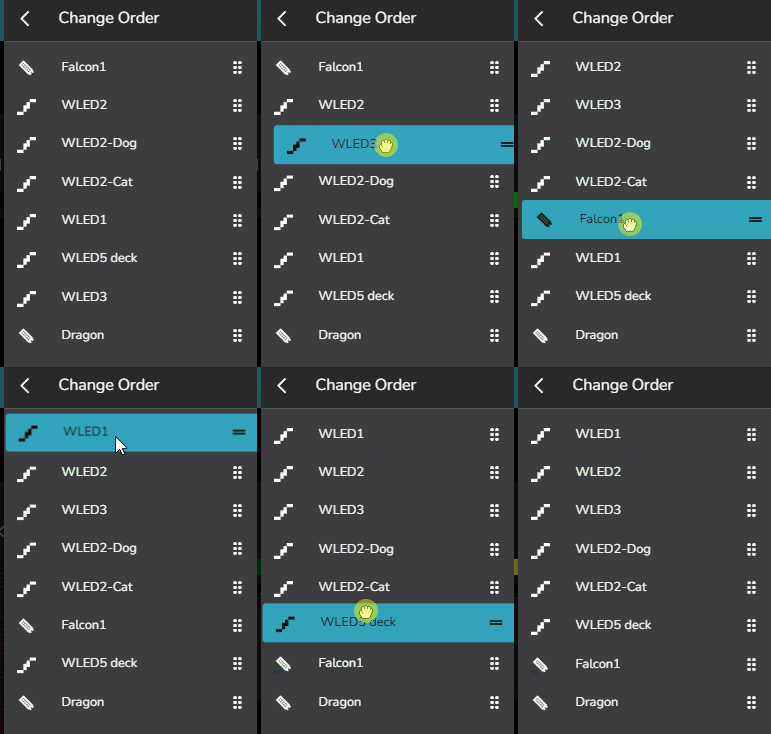
All is well with the world
Thats better.…