How to: Enable Alpha Mode
Alpha mode is where all the VERY early and experimental implementations are hidden in the UI front end.
Any feature or functionality under alpha mode should be considered transient, it may or may not work, and it may be gone tomorrow.
You have been warned!
In app hint
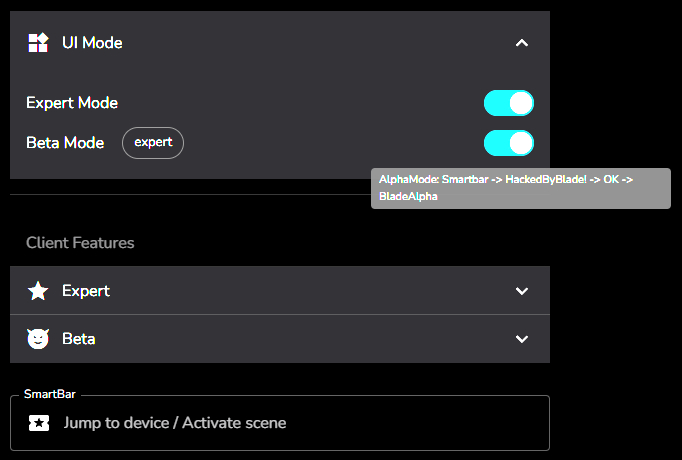
If you mouse over the Beta Mode switch in the Settings / UI Mode panel you will get hints on enabling alpha mode.
Enable Dev Mode
The first step is to enable Developer mode. In the SmartBar search box, type the first key phrase…
HackedByBlade!
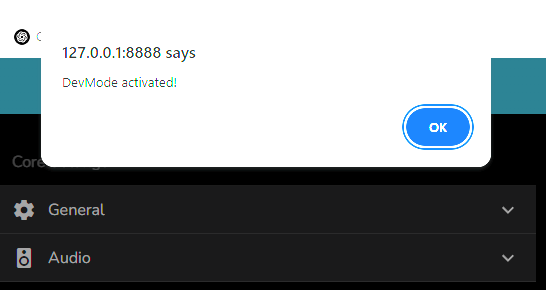
A modal dialog should appear confirming entry into Developed mode, similar to
Enable Alpha Mode
Second step is to enter the next key phrase into the SmartBar search Box…
BladeAlpha
An Alpha Mode switch should now appear in the UI Mode section
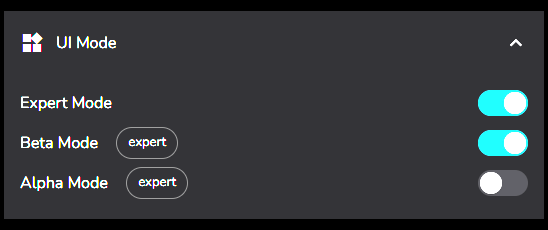
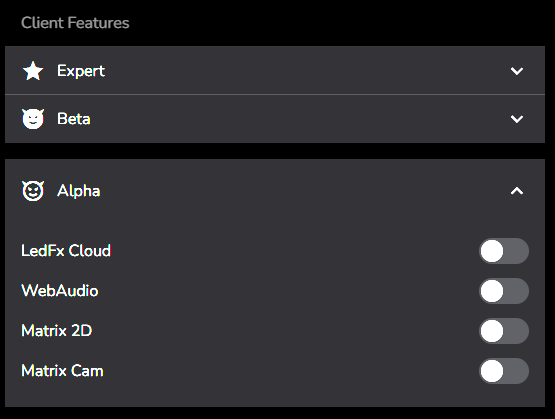
When this switch is activated a new set of options for selecting alpha features will be available, an example of such features are as per the following image, but could change at any time!